
ACSD#1 Technology
Mission & Vision
Mission:
Support and empower the educational community with technological solutions that allow members to succeed and enhance teaching and learning.
Vision:
Expand educational potential by providing the necessary tools and opportunities for students and educators to be successful now and in the future.
Quick Links
Staff
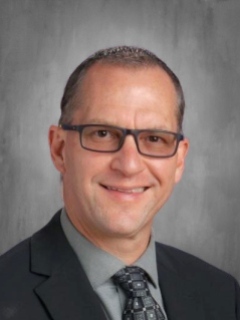
Shawn Hime
Chief Information and Cybersecurity Officer
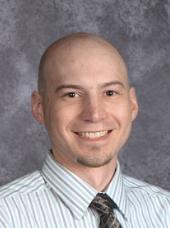
Kort Kinney
Network Systems Administrator

Michael Guyett
Systems Administrator
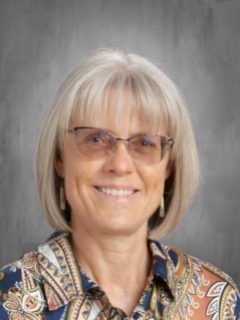
Kendra Burns
PowerSchool Systems Administrator & Data Specialist
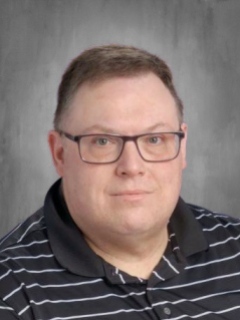
Sean Fimmel
Senior Technician

Joshua Riffee
Senior Technician
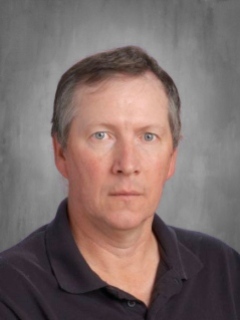
Rob Mitchell
Senior Technician

Alecia Davis
Senior Technician

Mary Jo Yost
Administrative Assistant

Jason Vanlandingham
Libarary and Technology Support Specialist

Technology Help-Staff
Need help? There are two main ways to get Technology Help.
Join a live online session during school hours.
How To join a live session:
1: Login to ACSD#1's ClassLink
2: Navigate to the "District Resources" folder
3: Choose the icon "Tech-Help Live Session"
4: Click on a Technicians Name (A small app will download. Run the app)
5: Accept the permission from the app.
6: Chat with a live tech and describe your issue.
Submit a Ticket/Work Order for Technology Help
How to Create a Help Ticket Request:
1: Login to ACSD#1's ClassLink
2: Navigate to the**"District Resources" folder**
3: Choose the icon**"Tech-Submit Help Ticket"**